 Surface RT
 Surface 3
 Surface Duo 2
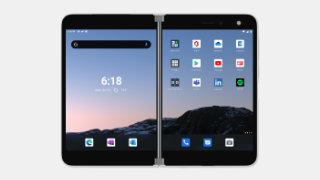 Surface Duo
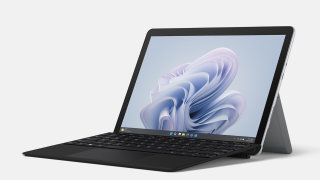 Surface Go 4
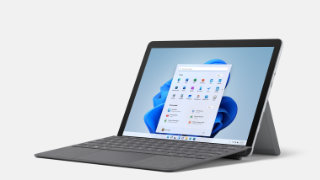 Surface Go 3
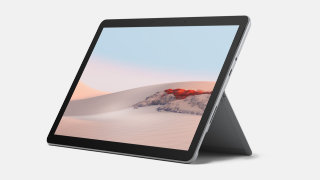 Surface Go 2
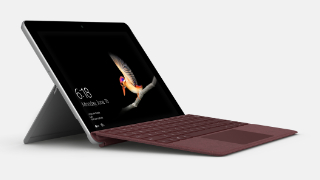 Surface Go 1
 Surface Pro 12”
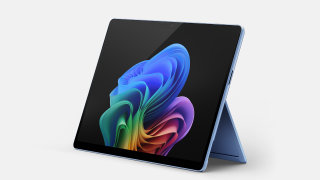 Surface Pro 11
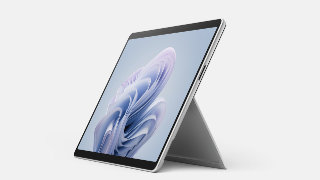 Surface Pro 10
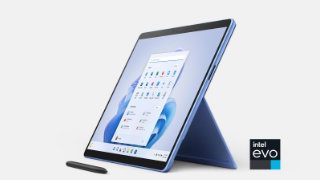 Surface Pro 9
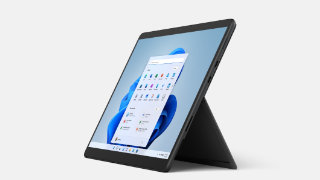 Surface Pro 8
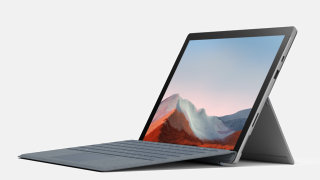 Surface Pro 7+
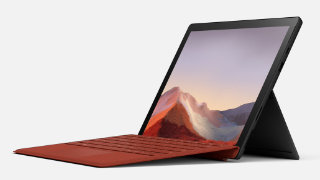 Surface Pro 7
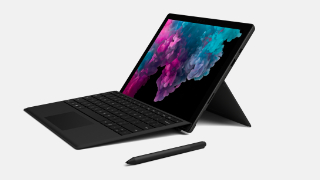 Surface Pro 6
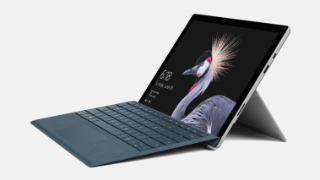 Surface Pro 5
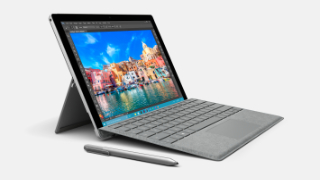 Surface Pro 4
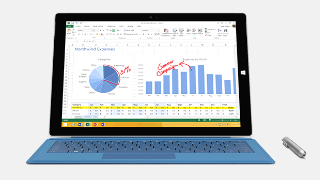 Surface Pro 3
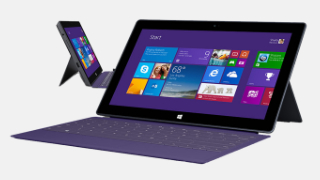 Surface Pro 2
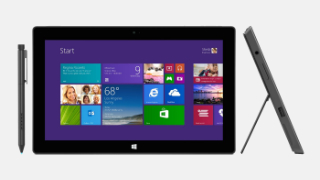 Surface Pro 1
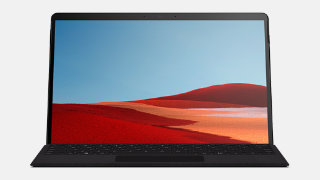 Surface Pro X
 Surface Laptop 13”
 Surface Laptop 7
 Surface Laptop 6
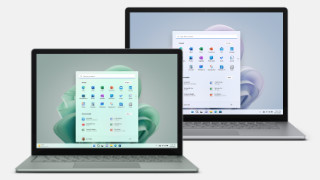 Surface Laptop 5
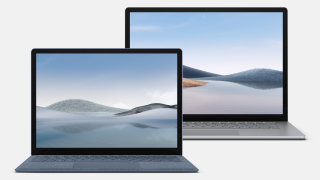 Surface Laptop 4
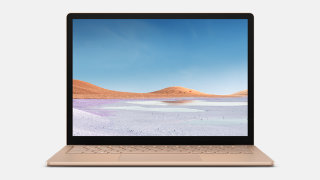 Surface Laptop 3
 Surface Laptop 2
 Surface Laptop
 Surface Laptop SE
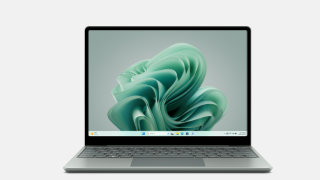 Surface Laptop Go 3
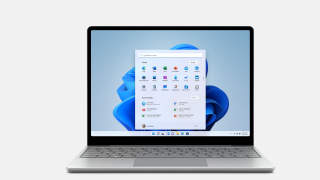 Surface Laptop Go 2
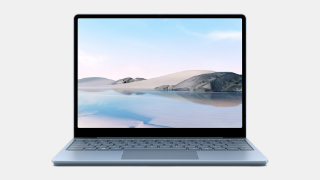 Surface Laptop Go 1
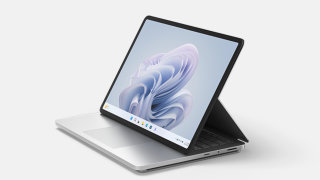 Surface Laptop Studio 2
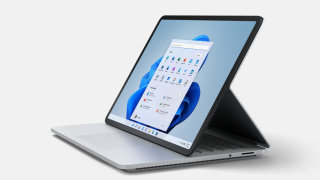 Surface Laptop Studio
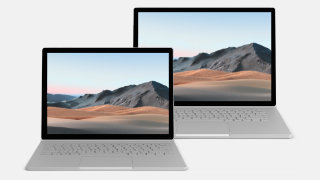 Surface Book 3
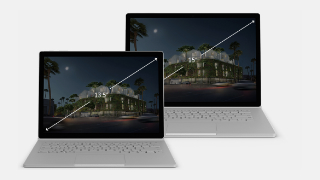 Surface Book 2
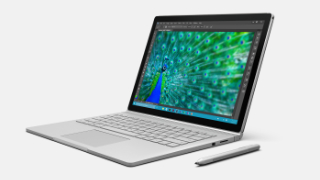 Surface Book 1
2026
 Surface Laptop Go 3View
How to get updates, improvements and fixes in the updates, and additional steps for Surface Laptop Studio.
- Surface Laptop Go 3View
How to get updates, improvements and fixes in the updates, and additional steps for Surface Laptop Studio.
- Surface Laptop Go 3View
How to get updates, improvements and fixes in the updates, and additional steps for Surface Laptop Studio.
- Surface Laptop Go 3View
Firmware updates can’t be uninstalled or reverted to an earlier version, when you install the latest update, you'll also get all the previous updates if your Surface doesn't have them already. Only updates that apply to Surface will be downloaded and installed, and after the updates are installed, restart your device to complete the installation process. To restart your device, select Start , and then select Power > Restart.
- Surface Laptop Go 3View
Addresses potential security vulnerabilities that may allow denial of service, escalation of privilege, code execution, or information disclosure and fixes an issue with incorrect serial numbers and model names for the device.
- Surface Laptop Go 3View
Resolves an issue where the device incorrectly shows an “Unauthenticated battery detected” notification.
2025
- Surface Laptop Go 3View
Ensures that devices can boot successfully using the Preboot Execution Environment (PXE).
- Surface Laptop Go 3View
Addresses potential security vulnerabilities that may allow denial of service. .
- Surface Laptop Go 3View
Addresses potential security vulnerabilities related to Intel® Chipset Firmware Advisory INTEL-SA-01280 that may allow escalation of privilege or information disclosure and addresses an issue that caused
- Surface Laptop Go 3View
Addresses potential security issues that may allow escalation of privilege, denial of service, or information disclosure, improves stability by fixing blue screen issues related to using extended monitors, fixes interface issues between the graphics and camera to ensure stable performance, and reduces screen flickering that could potentially lead the device to stop responding or restart.
- Surface Laptop Go 3View
Addresses device security vulnerability related to Intel advisory CVE 2025-20006 that may allow unauthenticated user to enable denial of service via adjacent access, enhances the stability of the device, reducing the occurrence of blue screen during instances including reboot and shutdown requests. , and mitigates display lag that occurs when the device is using the recommended power plan.
- Surface Laptop Go 3View
Ensures that devices can boot successfully using the Preboot Execution Environment (PXE) and enhances device connectivity and functionality when docked, ensuring seamless compatibility and improved performance with connected peripherals.
- Surface Laptop Go 3View
Addresses security vulnerability related to Intel advisory related to CVE 024-21864 that may allow an unauthenticated user to potentially enable escalation of privilege via adjacent network access. , addresses device security vulnerabilities against potential threats, improves system stability and display experience by reducing Timeout Detection and Recovery (TDR) events, which led to the system becoming unresponsive or crashing, and resolves the issue with Citrix Workspace* application exhibiting sluggish behavior when interacting with a virtual desktop. .
- Surface Laptop Go 3View
Enhances the stability of the device, reducing the occurrence of blue screen and prevents unexpected failures or disruptions of audio streams by improving the stability and reliability of the audio system to enable uninterrupted audio playback and recording.
2024
- Surface Laptop Go 3View
Enhances the overall security posture of the devices, protecting customers from potential threats. .
- Surface Laptop Go 3View
Improves the Wi-Fi connectivity experience by providing a faster response time, ensures that clicking 'charge to 100%' in the Surface app correctly reflects the time the device is not in Battery Smart Charging, enhances the Battery Smart Charging feature by activating protection only when necessary, which helps extend the battery's lifespan and maintain its health, and more.
- Surface Laptop Go 3View
Addresses security vulnerabilities, securing devices from potential threats, improves the Wi-Fi connectivity experience by providing a faster response time, ensures that clicking 'charge to 100%' in the Surface app correctly reflects the time the device is not in Battery Protection Mode, and enhances the Battery Smart Charging feature by activating protection only when necessary, which helps extend the battery's lifespan and maintain its health.
- Surface Laptop Go 3View
Addresses a fingerprint authentication bypass security vulnerability to prevent spoofing attacks and resolves the issue that was preventing the Battery Limit setting to function as expected.
- Surface Laptop Go 3View
Addresses security vulnerabilities, securing devices from potential threats and addresses data collection regulatory requirements and updates the consent experience for data transmission.
- Surface Laptop Go 3View
Improves audio quality by resolving an issue that caused audio files to unexpectedly crash when using the Dolby format and improves the stability and reliability of the audio system to prevent unexpected failures or disruptions of audio streams, ensuring uninterrupted playback and recording.
- Surface Laptop Go 3View
Addresses a potential security vulnerability related to Intel® Security Advisories INTEL-SA-00923, INTEL-SA-00929 & INTEL-SA-00950, addresses pre-boot (PXE) security vulnerability, fixes a flickering or screen flashing issue when the device is connected to Surface Dock 2, and more.
2023
