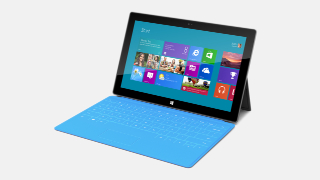
 Surface RT
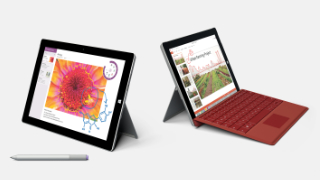 Surface 3
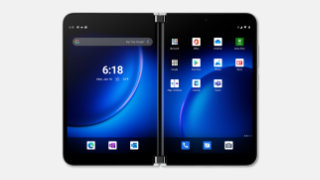 Surface Duo 2
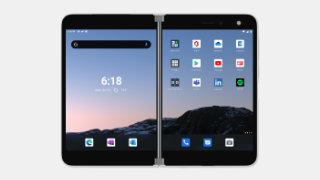 Surface Duo
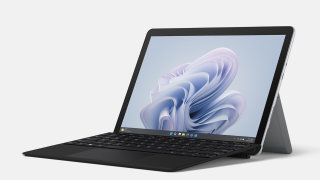 Surface Go 4
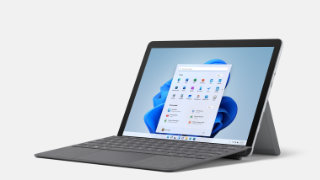 Surface Go 3
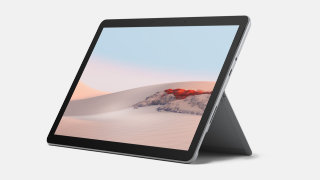 Surface Go 2
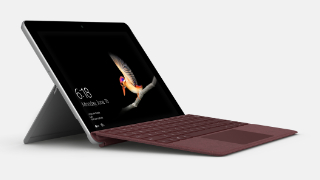 Surface Go 1
 Surface Pro 12”
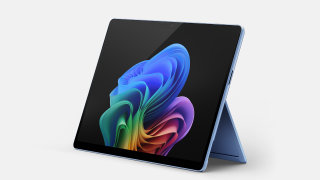 Surface Pro 11
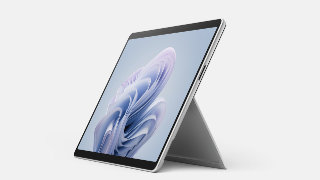 Surface Pro 10
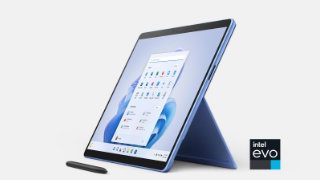 Surface Pro 9
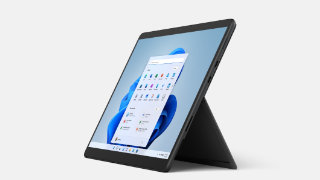 Surface Pro 8
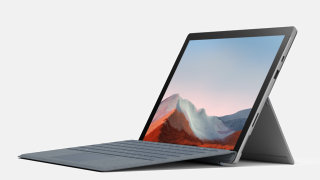 Surface Pro 7+
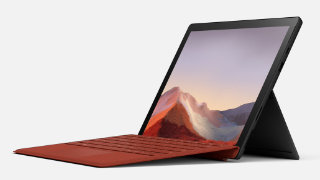 Surface Pro 7
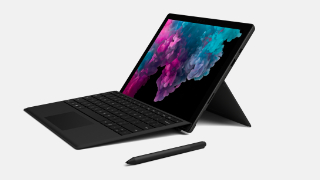 Surface Pro 6
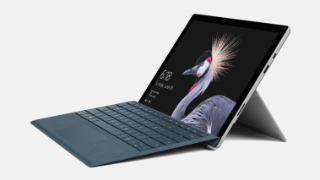 Surface Pro 5
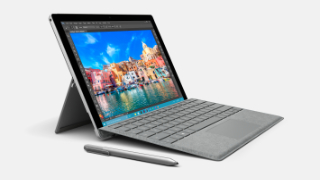 Surface Pro 4
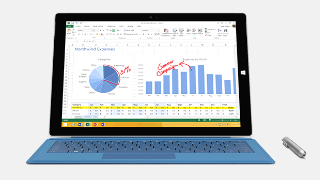 Surface Pro 3
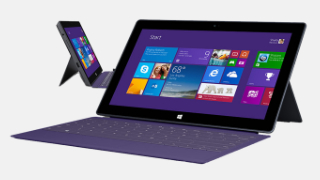 Surface Pro 2
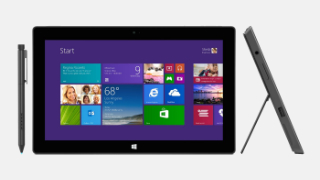 Surface Pro 1
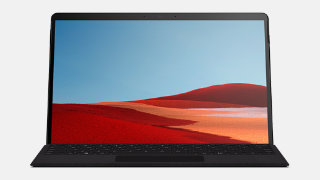 Surface Pro X
 Surface Laptop 13”
 Surface Laptop 7
 Surface Laptop 6
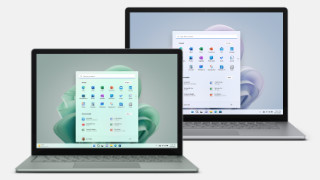 Surface Laptop 5
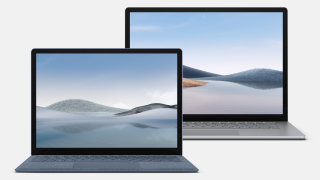 Surface Laptop 4
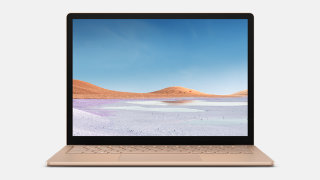 Surface Laptop 3
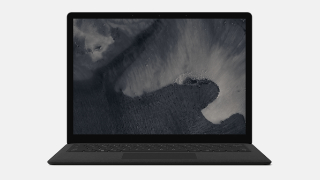 Surface Laptop 2
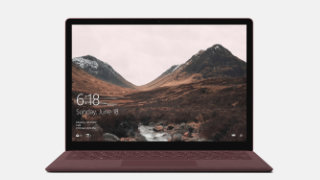 Surface Laptop
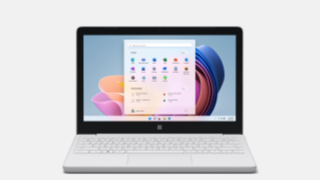 Surface Laptop SE
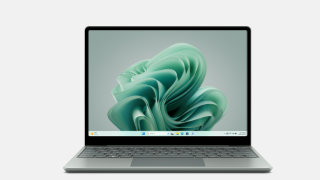 Surface Laptop Go 3
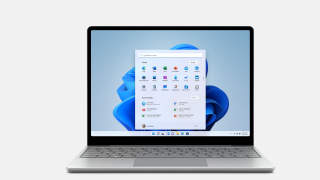 Surface Laptop Go 2
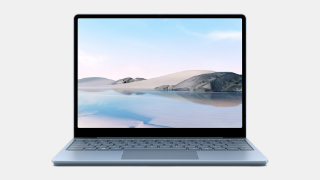 Surface Laptop Go 1
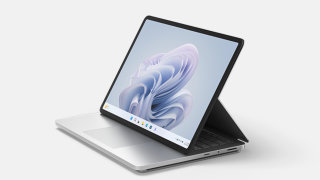 Surface Laptop Studio 2
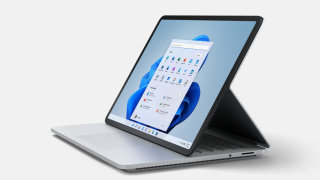 Surface Laptop Studio
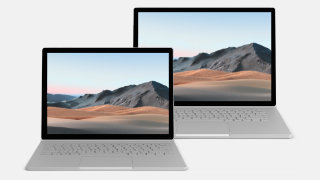 Surface Book 3
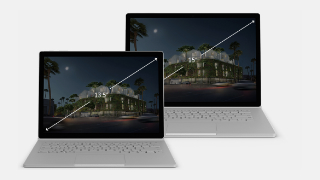 Surface Book 2
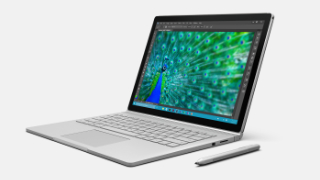 Surface Book 1
2026
 Surface Laptop 6View
How to get updates, improvements and fixes in the updates, and additional steps for Surface Laptop 6 for Business.
- Surface Laptop SEView
How to get updates, improvements and fixes in the updates, and additional steps for Surface Laptop SE.
- Surface Pro 10View
How to get updates, improvements and fixes in the updates, and additional steps for Surface Pro 10 for Business.
- Surface Laptop GoView
Device driver and firmware servicing period has ended, this device is no longer within its driver and firmware servicing period and will no longer receive new updates. However, previously released updates will remain available for download, to stay current with the latest performance, battery life, and AI-powered experiences, explore the newest Surface PCs—created with the signature Surface design and built for modern productivity, and explore the newest Surface PCs.
- Surface Duo 2View
How to get updates, improvements and fixes in the updates, and additional steps for Surface Duo 2.
- Surface Laptop 4 with IntelView
How to get updates, improvements and fixes in the updates, and additional steps for Surface Laptop 4 with Intel Processor. - Surface Laptop 5View
How to get updates, improvements and fixes in the updates, and additional steps for Surface Laptop 5. - Surface Laptop StudioView
How to get updates, improvements and fixes in the updates, and additional steps for Surface Laptop Studio. - Surface Laptop Studio 2View
How to get updates, improvements and fixes in the updates, and additional steps for Surface Laptop Studio.
- Surface Pro 5View
Support for Windows 10 ended on October 14, 2025, microsoft is no longer providing free software updates from Windows Update, technical assistance, or security fixes for Windows 10. Your PC will still work, but we recommend moving to Windows 11, and learn more.
- Surface Pro 9View
How to get updates, improvements and fixes in the updates, and additional steps for Surface Pro 9 with Intel Processor.
- Surface Pro 7View
Device driver and firmware servicing period has ended, this device is no longer within its driver and firmware servicing period and will no longer receive new updates. However, previously released updates will remain available for download, to stay current with the latest performance, battery life, and AI-powered experiences, explore the newest Surface PCs—created with the signature Surface design and built for modern productivity, and explore the newest Surface PCs.
- Surface Pro 5View
How to get updates, improvements and fixes in the updates, and additional steps for Surface Pro (5th Gen). - Surface Pro 6View
Device driver and firmware servicing period has ended, this device is no longer within its driver and firmware servicing period and will no longer receive new updates. However, previously released updates will remain available for download, to stay current with the latest performance, battery life, and AI-powered experiences, explore the newest Surface PCs—created with the signature Surface design and built for modern productivity, and explore the newest Surface PCs.
- Surface Pro 9View
How to get updates, improvements and fixes in the updates, and additional steps for Surface Pro 9 with Intel Processor.
- Surface Laptop 5View
How to get updates, improvements and fixes in the updates, and additional steps for Surface Laptop 5.
- Surface GoView
How to get updates, improvements and fixes in the updates, and additional steps for Surface Go. - Surface BookView
How to get updates, improvements and fixes in the updates, and additional steps for Surface Book. - Surface Laptop Studio 2View
How to get updates, improvements and fixes in the updates, and additional steps for Surface Laptop Studio.
- Surface Book 2View
Device driver and firmware servicing period has ended, this device is no longer within its driver and firmware servicing period and will no longer receive new updates. However, previously released updates will remain available for download, to stay current with the latest performance, battery life, and AI-powered experiences, explore the newest Surface PCs—created with the signature Surface design and built for modern productivity, and explore the newest Surface PCs.
- Surface Duo 2View
Software updates can't be uninstalled or reverted to an earlier version, when you install the latest update, you'll also get all the previous updates if your Surface doesn't have them already. Only updates that apply to Surface Duo will be downloaded and installed, and after the updates are installed, tap Restart now.
- Surface Laptop SEView
Support for Windows 11 SE will end in October 2026, microsoft will not release a feature update after Windows 11 SE, version 24H2. Support for Windows 11 SE—including software updates, technical assistance, and security fixes—will end in October 2026. While your device will continue to work, we recommend transitioning to a device that supports another edition of Windows 11 to ensure continued support and security, and learn more. - Surface Laptop Go 3View
How to get updates, improvements and fixes in the updates, and additional steps for Surface Laptop Studio.
- Surface Go 2View
Support for Windows 10 ended on October 14, 2025, microsoft is no longer providing free software updates from Windows Update, technical assistance, or security fixes for Windows 10. Your PC will still work, but we recommend moving to Windows 11, and learn more.
- Surface Go 3View
How to get updates, improvements and fixes in the updates, and additional steps for Surface Go 3. - Surface Pro 7 PlusView
Support for Windows 10 ended on October 14, 2025, microsoft is no longer providing free software updates from Windows Update, technical assistance, or security fixes for Windows 10. Your PC will still work, but we recommend moving to Windows 11, and learn more. - Surface Laptop 5View
How to get updates, improvements and fixes in the updates, and additional steps for Surface Laptop 5.
- Surface DuoView
How to get updates, improvements and fixes in the updates, and additional steps for Surface Duo.
- Surface Book 2View
How to get updates, improvements and fixes in the updates, and additional steps for Surface Book 2. - Surface Laptop 2View
Device driver and firmware servicing period has ended, this device is no longer within its driver and firmware servicing period and will no longer receive new updates. However, previously released updates will remain available for download, to stay current with the latest performance, battery life, and AI-powered experiences, explore the newest Surface PCs—created with the signature Surface design and built for modern productivity, and explore the newest Surface PCs.
- Surface Pro 10View
How to get updates, improvements and fixes in the updates, and additional steps for Surface Pro 10 for Business.
- Surface Pro 6View
How to get updates, improvements and fixes in the updates, and additional steps for Surface Pro 6.
- Surface Pro 9View
How to get updates, improvements and fixes in the updates, and additional steps for Surface Pro 9 with Intel Processor. - Surface Laptop 4 with AMDView
How to get updates, improvements and fixes in the updates, and additional steps for Surface Laptop 4 with AMD processor. - Surface Laptop Go 2View
How to get updates, improvements and fixes in the updates, and additional steps for Surface Laptop Go 2. - Surface Laptop Go 3View
How to get updates, improvements and fixes in the updates, and additional steps for Surface Laptop Studio.
- Surface DuoView
Software updates can't be uninstalled or reverted to an earlier version, when you install the latest update, you'll also get all the previous updates if your Surface doesn't have them already. Only updates that apply to Surface Duo will be downloaded and installed, and after the updates are installed, tap Restart now.
- Surface Pro 9 5GView
Addresses potential security vulnerabilities related to Qualcomm advisories CVE-2024-43046, CVE-2025-21464, CVE-2025-21465, CVE-2025-21469, CVE-2025-21470, CVE-2025-21482, CVE-2025-27050, CVE-2025-27053, CVE-2025-27054, CVE-2025-27055, CVE-2025-47323, CVE-2025-47327, CVE-2025-47341, CVE-2025-47358, and CVE-2025-47359 that may cause memory corruption or allow information disclosure and resolves an issue where the camera stops responding. - Surface Laptop 4 with IntelView
How to get updates, improvements and fixes in the updates, and additional steps for Surface Laptop 4 with Intel Processor. - Surface Laptop 5View
How to get updates, improvements and fixes in the updates, and additional steps for Surface Laptop 5. - Surface Laptop 6View
How to get updates, improvements and fixes in the updates, and additional steps for Surface Laptop 6 for Business. - Surface Laptop Studio 2View
How to get updates, improvements and fixes in the updates, and additional steps for Surface Laptop Studio. - Surface Go 3View
How to get updates, improvements and fixes in the updates, and additional steps for Surface Go 3. - Surface Go 4View
How to get updates, improvements and fixes in the updates, and additional steps for Surface Go 4.
