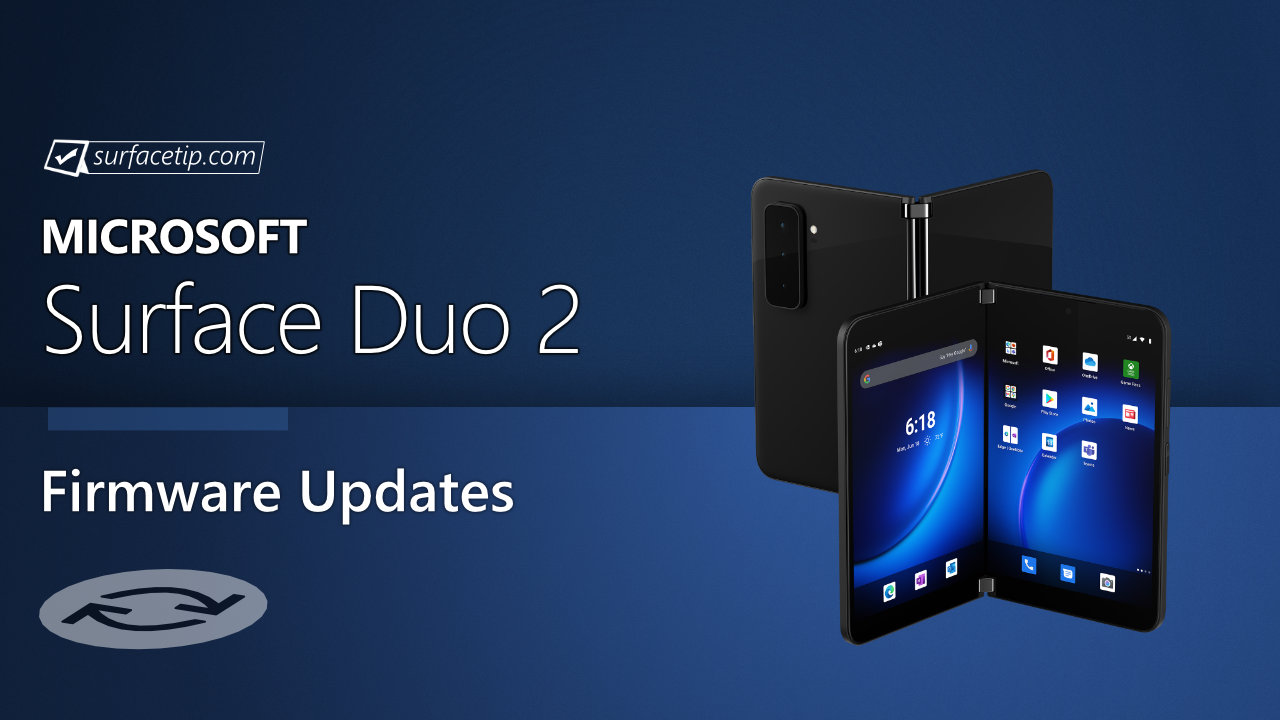
Microsoft has started rolling out new firmware updates for Surface Duo 2. The latest update is available for Surface Duo 2 devices.
The new firmware update addresses scenarios outlined in the Android Security Bulletin—December 2021, improves system reliability and stability, improves app navigations with added support animations, and more. The update is listed as a “December 06 release” on the Surface Duo 2 Update History page.
Changelog for December 06, 2021 Updates
Below is the complete changelog provided by Microsoft for the new updates. It includes the software version and detailed information about the update.
Software version
Update info
2021.923.272
This update:
Addresses scenarios outlined in the Android Security Bulletin—December 2021.
Improves system reliability and stability.
Improves app navigations with added support animations.
Improves camera usability.
Improves touch responsiveness.
Improves support for LDAC enabled Bluetooth devices.
Improves reliability in the Android Auto experience.
New Surface Duo 2 features:
Enables launching of OneNote when clicking the top button on Surface Slim Pen 2. Requires Surface Slim Pen 2 to be paired with Surface Duo 2.
Enabled in Surface Duo features, in Settings, to choose the default screen when folded.
Enabled in Surface Duo features, in Settings, to choose preferences for answering phone calls when folded.
Getting the Updates
Surface Duo 2 Update History
2026
Oct
08
How to get updates, improvements and fixes in the updates, and additional steps for Surface Duo 2.
Software updates can't be uninstalled or reverted to an earlier version, when you install the latest update, you'll also get all the previous updates if your Surface doesn't have them already. Only updates that apply to Surface Duo will be downloaded and installed, and after the updates are installed, tap Restart now.
Addresses scenarios outlined in the Android Security Bulletin – June 2023 and some Surface Duo devices would restart after the May 30th, 2023 release. This update improves system stability.
Addresses scenarios outlined in the Android Security Bulletin – December 2022 and fixes scenario following upgrade to Android 12L when incoming calls would go directly to voicemail and outgoing calls would end immediately.
Upgrade the Android operating system to Android 12L for foldable devices, address the scenario outlined in the Android Security Bulletin—October 2022, introduce new Fluent UI design, and more.
Addresses scenarios outlined in the Android Security Bulletin—June 2022, glance Bar shows notifications for 3rd party conversation apps, enables Haptic feedback control in Camera app settings, and more.
Addresses scenarios outlined in the Android Security Bulletin – February 2022, improves system reliability and stability, improves device performance and animations, and more.
Enables pen shortcut preferences in settings for Surface Slim Pen 2. It requires Surface Slim Pen 2 to be paired with Surface Duo 2, with the Your Phone app, you can use Android apps on your PC. For more information on using Surface Duo with your PC see Link Surface Duo to your PC, addresses scenarios outlined in the Android Security Bulletin—January 2022, and more.
Addresses scenarios outlined in the Android Security Bulletin—December 2021, improves system reliability and stability, improves app navigations with added support animations, and more.
Nov
19
Address scenarios outlined in the Android Security Bulletin – November 2021.
Evan Forrest is the Editor-in-Chief of SurfaceTip, where he researches and writes articles about Surface-related news, tips, and reviews. He has been using Surface devices since the first release of the original Surface Pro and currently uses a Surface Laptop Studio as his full-time daily driver machine. Additionally, he owns multiple Surface devices, including Surface RT, Surface 3, Surface Go 1-2, Surface Pro 3, Surface Book 1-2, Surface Laptop 3 and many Surface accessories to aid him in his research and article writing.
 How to get updates, improvements and fixes in the updates, and additional steps for Surface Duo 2.View


COMMENTS
Let us know what you think!
We appreciate hearing your thoughts, questions, and ideas about “Microsoft rolled out December 2021 firmware updates for Surface Duo 2”.