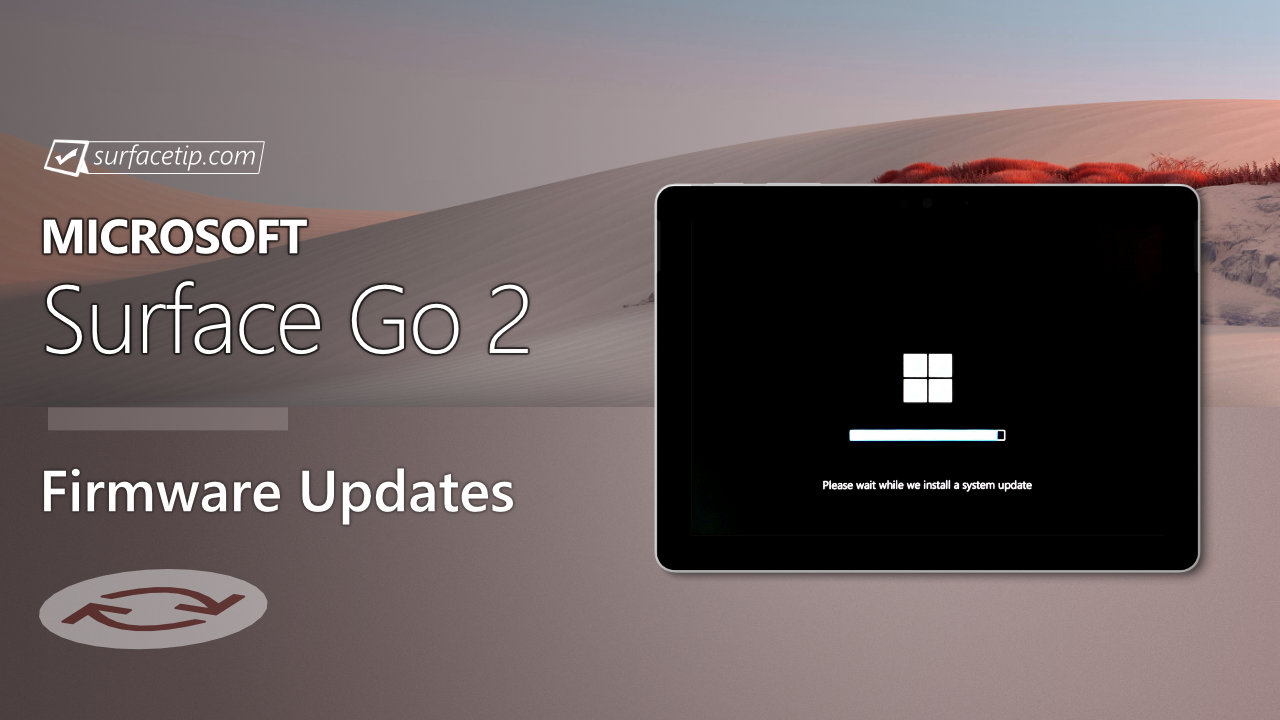
The new firmware update resolves the issue, causing the screen to flicker or flash when connected to Surface Dock 2.
Additionally, it addresses a potential security vulnerability related to Intel® Security Advisories INTEL-SA-00999 and INTEL-SA-01083, enhances security for devices with PXE boot enabled in IPv6 networks by safeguarding them against external access within compromised network segments, and tackles Wi-Fi-related security issues while also improving connection stability during Reset/Recovery.
The update is listed as a “September 05 release” on the Surface Go 2 Update History page.
Changelog for September 05, 2024 Updates
Below is the complete changelog provided by Microsoft for the new updates. It includes the name and version listed in the Windows Updates and the name listed in Device Manager.
| Windows Update Name | Device Manager |
|---|---|
| Intel – net – 23.30.0.6 | Intel(R) Wi-Fi 6 AX200 160MHz – Network adapters |
| Intel Corporation – Bluetooth – 23.30.0.3 | Intel(R) Wireless Bluetooth(R) – Bluetooth |
| Intel – SoftwareComponent – 1.71.99.0 | Intel(R) iCLS Client – Software components |
| Intel – System – 2406.5.5.0 | Intel(R) Management Engine Interface #1 – System devices |
| Surface – Firmware – 1.0.3.1 | Surface UEFI – Firmware |
| Surface – Firmware – 11.8.96.4657 | Surface ME – Firmware |
| Surface – Extension – 6.16.8.0 | Surface Dock 2 Firmware Update – Extension |
Getting the Updates via Windows Update
You can get this new Firmware Update via Windows Updates, as we detailed here:- On Windows 11, go to Start > Settings (Win + I) > Windows Update and click the "Check for updates" button.
- On Windows 10, go to Start > Settings > Update & security and click the "Check for updates" button.
Downloading the Updates from Microsoft
Alternatively, you can download the latest cumulative driver and firmware update for Surface Go 2 from Microsoft Download Center via the following links.
- Surface Go 2 Drivers and Firmware
https://www.microsoft.com/download/details.aspx?id=101304
Surface Go 2 Update History
 Support for Windows 10 ended on October 14, 2025, microsoft is no longer providing free software updates from Windows Update, technical assistance, or security fixes for Windows 10. Your PC will still work, but we recommend moving to Windows 11, and learn more.View
- How to get updates, improvements and fixes in the updates, and additional steps for Surface Go 2.View
- Addresses a problem that caused the Dolby application to hang or function improperly. and addresses a potential security vulnerability related to Intel advisory CVE-2020-0583.View
- Solve flickering or flashing screens, improve security, and more.
- Address a potential security vulnerability, improved interoperability with the Surface Thunderbolt 4 Dock, improves the audio quality of calls and recordings, and more.View
- Better pen inking performance, improved graphics stability, better support for the 3rd party apps, addresses intermittent Wi-Fi dropout and improves connection stability to Wi-Fi Access points, and improves Bluetooth peripheral connectivity.View
- Addresses a potential security vulnerability related to Intel® Security Advisory INTEL-SA-00783, addressing CVE-2022-36392.View
- Addresses security vulnerability and improves system stability, enables support for new docking accessories, and improves Surface Dock2 stability.View
- Addresses critical security vulnerability and improves system stability and improves PXE boot performance and driver to support service.View


COMMENTS
Let us know what you think!
We appreciate hearing your thoughts, questions, and ideas about “Surface Go 2 September 2024 update is now live”.