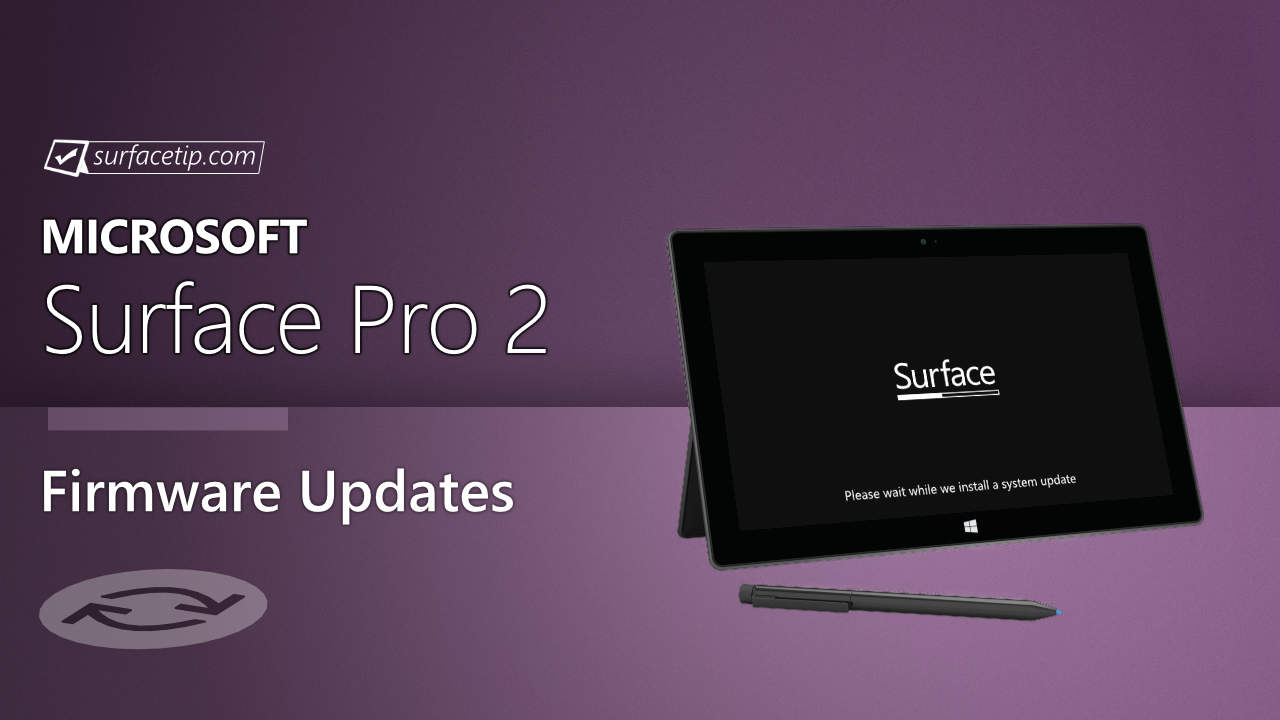
The new firmware update resolves the issue where the Surface would wake from sleep by itself and improves graphics performance and stability on Windows 10. The update is listed as a “July 2015 update” on the Surface Pro 2 Update History page.
Changelog for July 23, 2015 Updates
Below is the complete changelog provided by Microsoft for the new updates.
- System Firmware Update – 7/23/2015
- HD Graphics Family driver update (v10.18.15.4248) improves graphics performance and stability on Windows 10.
- Surface Integration driver update (v2.0.304.0) resolves the issue where Surface would wake from sleep by itself.
Getting the Updates via Windows Update
Downloading the Updates from Microsoft
Alternatively, you can download the latest cumulative driver and firmware update for Surface Pro 2 from Microsoft Download Center via the following links.
- Surface Pro 2 Drivers and Firmware
https://www.microsoft.com/en-us/download/details.aspx?id=49042
Surface Pro 2 Update History
2016
 Eliminate instances where the device wakes randomly, improve system stability when detaching the cover, and improve color calibration.View
2015
- Resolve the issue where the Surface would wake from sleep by itself and improve graphics performance and stability on Windows 10.
- Improve graphic and audio performance, including better Miracast (wireless display) support, and more.View
- Enhance display stability and performance, improve the user experience when using Miracast adapters, improve compatibility with DisplayPort monitors and daisy chaining, improve the PXE boot experience with the 1 gigabit Surface Ethernet Adapter and further enhances the system security.View
2014
- Improve reliability when the Power Cover is attached to the Surface and folded behind the Surface, improving microSD stability and providing support for PXE boot.View
- Improve Miracast support and enable daisy chaining of monitors using DisplayPort 1.2, provide support for Surface Power Cover, improve the stability and experience of Surface Covers, and more.View
- Provide tuning to the Surface display calibration, resolve hibernation and incorrectly reported battery percentage issues, and improve the Surface Touch and Type Cover.View
2013


COMMENTS
Let us know what you think!
We appreciate hearing your thoughts, questions, and ideas about “Microsoft rolled out July 2015 firmware updates for Surface Pro 2”.