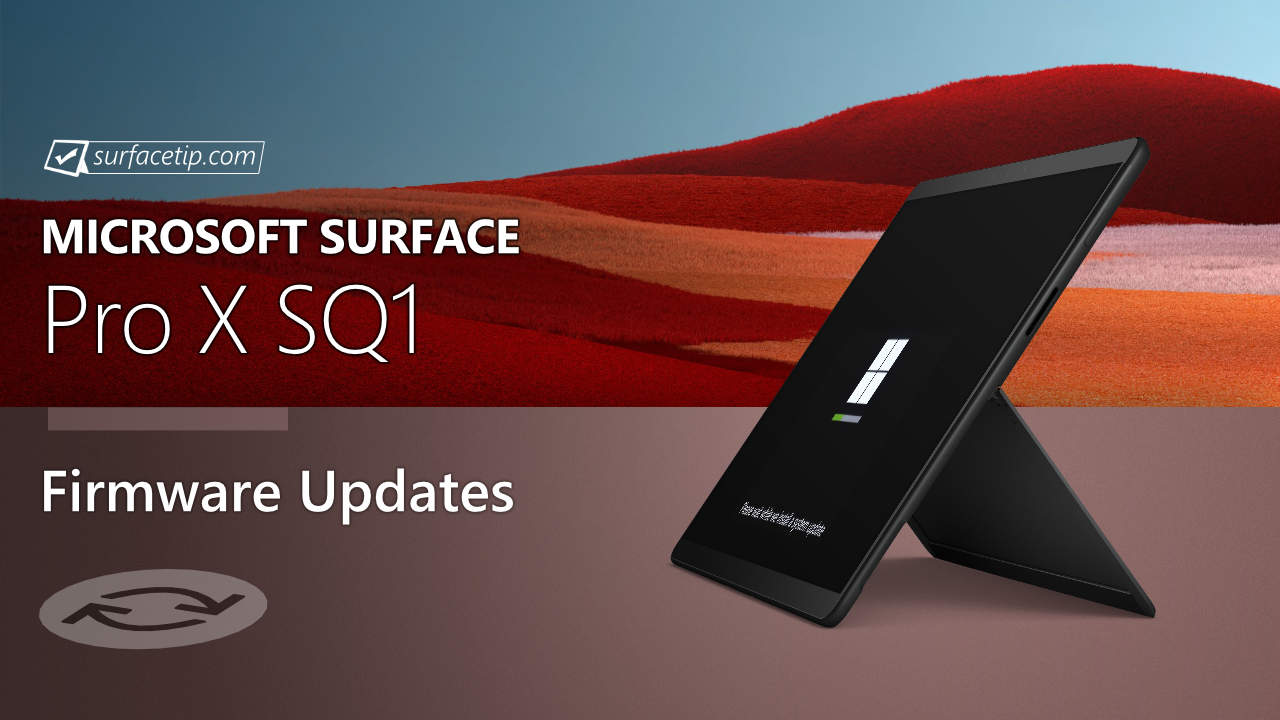
The new firmware update addresses security updates and improves system stability. The update is listed as an “August 14 release” on the Surface Pro X SQ1 Update History page.
Changelog for August 14, 2020 Updates
Below is the complete changelog provided by Microsoft for the new updates. It includes the name and version listed in the Windows Updates and the name listed in Device Manager.
| Windows Update History Name | Device Manager Name | Version and Update |
|---|---|---|
| Microsoft Corporation – System Hardware Update | Qualcomm(R) System Manager Device | 1.0.1080.0000 Addresses security updates and improves system stability. |
| Surface UEFI | 3.517.140.0 Enables the Eye Contact feature, addresses security updates, and addresses display scale issues. | |
| Qualcomm(R) Hexagon(TM) 690 DSP | 1.0.1130.0000 Enables the Eye Contact feature. | |
| Qualcomm(R) Power Management | 1.0.0980.0000 Enables the Eye Contact feature. | |
| Qualcomm(R) Spectra(TM) 390 ISP | 1.0.1120.0000 Enables the Eye Contact feature. | |
| Qualcomm(R) Spectra(TM) 390 ISP | 1.0.1120.0000 Enables the Eye Contact feature. | |
| Qualcomm(R) Spectra(TM) 390 ISP | 1.0.1120.2 Enables the Eye Contact feature. | |
| Qualcomm(R) Spectra(TM) 390 ISP | 1.0.1120.2 Enables the Eye Contact feature. | |
| Qualcomm(R) Spectra(TM) 390 ISP | 1.0.1120.2 Enables the Eye Contact feature. | |
| Qualcomm(R) System Manager Device | 1.0.1120.0000 Enables the Eye Contact feature. | |
| Surface Camera AVStream Mini Driver | 1.0.1120.2 Enables the Eye Contact feature. | |
| Surface Camera Front Sensor Driver Extension | 1.0.1120.2 Enables the Eye Contact feature. | |
| Surface Camera Rear Sensor Driver Extension | 1.0.1120.2 Enables the Eye Contact feature. | |
| Surface Pro X CDSP Subsystem Bus Device Extension | 1.0.1160.0000 Enables the Eye Contact feature. | |
| Surface Pro X Power Engine Plug-in Device | 1.0.1130.0000 Enables the Eye Contact feature. | |
| Qualcomm(R) Spectra(TM) 390 ISP | 1.0.1120.0000 Enables the Eye Contact feature and the resolves Camera App crash. | |
| Qualcomm(R) Spectra(TM) 390 ISP | 1.0.1120.0000 Enables the Eye Contact feature and resolves the Camera App crash. | |
| Surface Camera Aux Sensor Driver Extension | 1.0.1120.2 Enables the Eye Contact feature and resolves the Camera App crash. | |
| Surface Integration Service Device | 6.83.139.0 Improves the Power status UI. | |
| Surface SMF | 11.2.0.1 Improves device stability and performance. | |
| Qualcomm(R) Hexagon(TM) 690 DSP | 1.0.1130.0000 Resolves bluescreen error state. | |
| Qualcomm(R) Adreno(TM) 680 GPU | 26.18.1180.0000 Resolves Edge performance scenario. | |
| Surface Pro X Sensors Subsystem Bus Device Extension | 1.0.710.2 Detection sensor improvement. |
Getting the Updates via Windows Update
You can get this new Firmware Update via Windows Updates, as we detailed here:- On Windows 11, go to Start > Settings (Win + I) > Windows Update and click the "Check for updates" button.
- On Windows 10, go to Start > Settings > Update & security and click the "Check for updates" button.
Surface Pro X Update History
2025
 Surface Pro X SQ1View
Enhances the overall security posture of the devices, protecting users from potential threats, provides a stable and efficient user experience, reducing the likelihood of system crashes and improving the overall performance of the devices, addresses an issue that prevented DFCI removal via network, and resolves issues related to single sign-on (SSO) based authentication being lost on some applications, leading to improved user experience.
- Surface Pro X SQ1View
Ensures that devices can boot successfully using the Preboot Execution Environment (PXE). and enhances device connectivity and functionality when docked, ensuring seamless compatibility and improved performance with connected peripherals.
- Surface Pro X SQ1View
Ensures better visual performance through improvements in the graphic driver. and provides a stable and efficient user experience, reducing the likelihood of system crashes and improving the overall performance of the devices.
- Surface Pro X SQ1View
Addresses an issue that prevented DFCI removal via network, enhances the overall security posture of the devices, protecting customers from potential threat, and enhances device security with PXE boot enabled in IPv6 networks by safeguarding against unauthorized external access in compromised network segments, as outlined in Microsoft advisory CVE-2025-21194.
2024
- Surface Pro X SQ1View
Addresses a fingerprint authentication bypass security vulnerability to prevent spoofing attacks, fixes an issue where keypresses and the touchpad did not function correctly when connected to the device. , resolves an issue where waking the device from sleep mode required holding the power button instead of a simple tap or key press. , and more.
- Surface Pro X SQ1View
Resolves an issue that resulted in camera to crash unexpectedly and addresses a problem with keyboard functionality in the Windows Recovery Environment (WinRE) or Windows Preinstallation Environment (WinPE).
- Surface Pro X SQ1View
Enables a seamless experience of using the new Pro Flex Keyboard with Slim Pen with the latest Surface Pro devices and addresses data collection regulatory requirements and updates the consent experience for data transmission.
- Surface Pro X SQ1View
Addresses an issue that was causing the device to unexpectedly crash and fixes a screen flickering or flashing issue when the device is connected to Surface Dock 2.
- Surface Pro X SQ1View
Addresses potential security vulnerability and improves system stability and extends device security certificate authority.
- Surface Pro X SQ1View
Improve camera stability, resolve audio detection issues, and ensure compliance with data collection regulations.
2023
- Surface Pro X SQ1View
Improves Wi-Fi stability and resolves graphics performance and stability issue.
- Surface Pro X SQ1View
Addresses potential security vulnerability and improves system stability and addresses keyboard disconnection issue.
- Surface Pro X SQ1View
Resolves camera start issue, and improves stability, addresses 3rd party application performance, improves fingerprint recognition, and more.
2022
- Surface Pro X SQ2View
Improves system performance and stability, enables support for Dolby Atmos feature, and improves graphics performance and stability. - Surface Pro X SQ1View
Improves system performance and stability, enables support for Dolby Atmos feature, and improves graphics performance and stability.
- Surface Pro X SQ2View
Improves system performance and stability, improves graphics and Wi-Fi stability, enables support for Future Windows OS release, and resolves Camera setting issue. - Surface Pro X SQ1View
Improves system performance and stability, improves graphics and Wi-Fi stability, enables support for future Windows OS release, and resolves Camera setting issue.
- Surface Pro X SQ2View
Improves system stability and resolves system bugcheck, improves Camera performance, enables support for new Surface Type Cover, improves integration with Surface Dock 2, improves Bluetooth performance, and improves trackpad accuracy. - Surface Pro X SQ1View
Improves system stability and resolves system bugcheck, improves Camera performance, enables support for new Surface Type Cover, improves integration with Surface Dock 2, improves trackpad accuracy, and improves Bluetooth performance.
- Surface Pro X SQ2View
Improves graphics stability and performance, enables support for new Surface Slim Pen charger, and improves stability and performance in Windows 11. - Surface Pro X SQ1View
Improves graphics stability and performance, enables support for new Surface Slim Pen charger, and improves system stability and performance in Windows 11.
2021
- Surface Pro X SQ2View
Improves trackpad accuracy, enables support for new Surface Type Cover and Surface Pen, and addresses device out-of-box experience issue. - Surface Pro X SQ1View
Improves trackpad accuracy, enables support for new Surface Type Cover and Surface Pen, and addresses device out-of-box experience issue.
- Surface Pro X SQ1View
Improves system stability and merges support for both Surface Pro X SQ1 and SQ2 devices.
- Surface Pro X SQ2View
Improves system stability and merges support for both Surface Pro X SQ1 and SQ2 devices.
- Surface Pro X SQ2View
Improves system stability and merges support for both Surface Pro X SQ1 and SQ2 devices.
2020
- Surface Pro X SQ1
Addresses security updates and improves system stability.
- Surface Pro X SQ1View
Improves the Microsoft Teams app experience and resolves intermittent display issues.
2019
- Surface Pro X SQ1View
Improve system stability, battery performance, and stability when in hibernation.


COMMENTS
Let us know what you think!
We appreciate hearing your thoughts, questions, and ideas about “Surface Pro X SQ1 recieves new (August 14, 2020) firmware updates”.