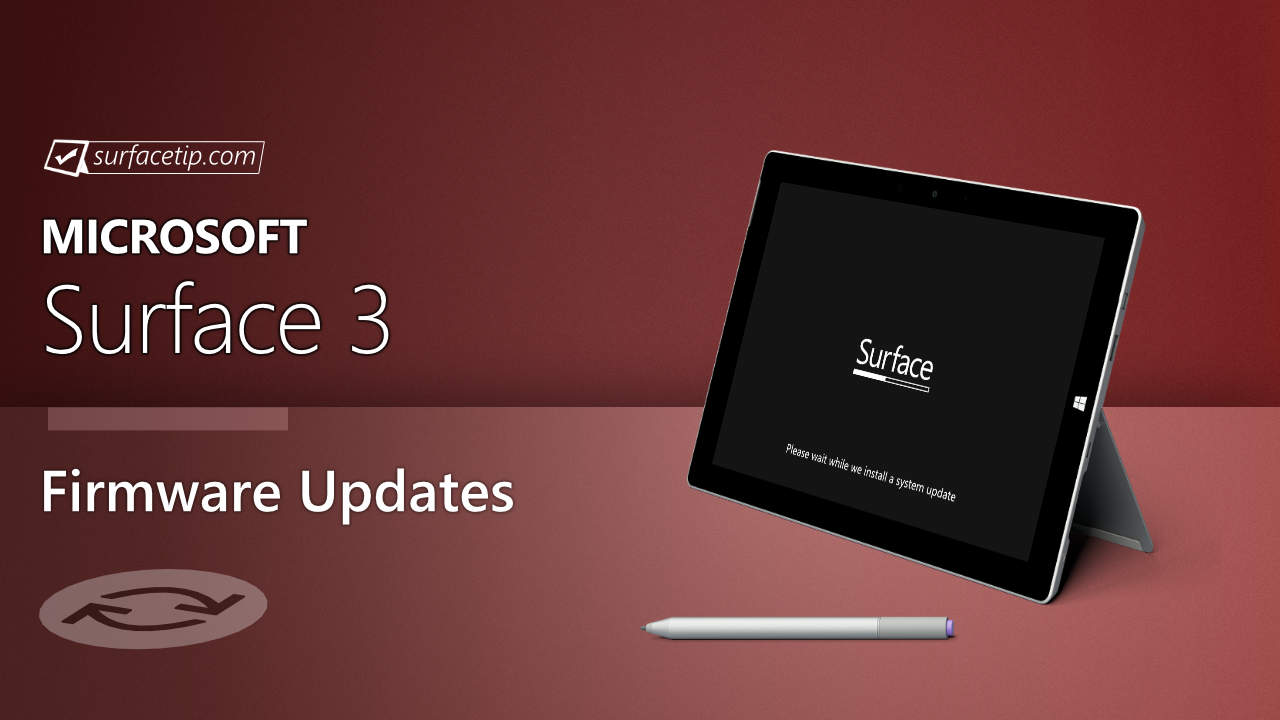
Microsoft has started rolling out new firmware updates for Surface 3. The following updates are available:
The new firmware update improves battery charging, the stability of the camera, pen settings, the on-screen keyboard in UEFI, and the proximity sensor for mobile broadband and Wi-Fi connections. The update is listed as an “August 8 release” on the Surface 3 Update History page.
Changelog for August 08, 2016 Updates
Below is the complete changelog provided by Microsoft for the new updates. It includes the name and version listed in the Windows Updates and the name listed in Device Manager.
Windows Update History Name
Device Manager Name
System Firmware Update 8/8/2016
Surface System Aggregator Firmware – v1.0.52500.0 improve proximity sensor for mobile broadband and Wi-Fi connections.
Surface UEFI – v1.51116.178.0 adds commercial UEFI features and improves the stability of the on-screen keyboard.
Surface Pen Settings – v12.0.303.1 improves the stability of the pen settings and prepares for the Windows 10 Anniversary Update.
Intel(R) AVStream Camera – v21.10586.6053.549 improves the stability of the camera.
Intel(R) Imaging Signal Processor – 2401 v21.10586.6053.549 improves the stability of the camera.
Microsoft Camera Front – v21.10586.6053.549 improves the stability of the camera.
Microsoft Camera Rear – v21.10586.6053.549 improves the stability of the camera.
Surface Platform Power Driver – v2.1.65.1 improves battery charging.
Intel Corporation driver update for Intel(R) HD Graphics
Intel(R) HD Graphics v20.19.15.4424 improves system performance in some applications.
Getting the Updates via Windows Update
You can get this new Firmware Update via Windows Updates, as we detailed here:
On Windows 11, go to Start > Settings (Win + I) > Windows Update and click the "Check for updates" button.
On Windows 10, go to Start > Settings > Update & security and click the "Check for updates" button.
If your Surface 3 didn't receive the update, it should appear on the Windows Update list by now.
Downloading the Updates from Microsoft
Alternatively, you can download the latest cumulative driver and firmware update for Surface 3 from Microsoft Download Center via the following links.
Improve battery charging, the stability of the camera, pen settings, the on-screen keyboard in UEFI, and the proximity sensor for mobile broadband and Wi-Fi connections.
Evan Forrest is the Editor-in-Chief of SurfaceTip, where he researches and writes articles about Surface-related news, tips, and reviews. He has been using Surface devices since the first release of the original Surface Pro and currently uses a Surface Laptop Studio as his full-time daily driver machine. Additionally, he owns multiple Surface devices, including Surface RT, Surface 3, Surface Go 1-2, Surface Pro 3, Surface Book 1-2, Surface Laptop 3 and many Surface accessories to aid him in his research and article writing.
 Improve battery charging, the stability of the camera, pen settings, the on-screen keyboard in UEFI, and the proximity sensor for mobile broadband and Wi-Fi connections.

COMMENTS
Let us know what you think!
We appreciate hearing your thoughts, questions, and ideas about “Surface 3 August 2016 update now rolling out”.