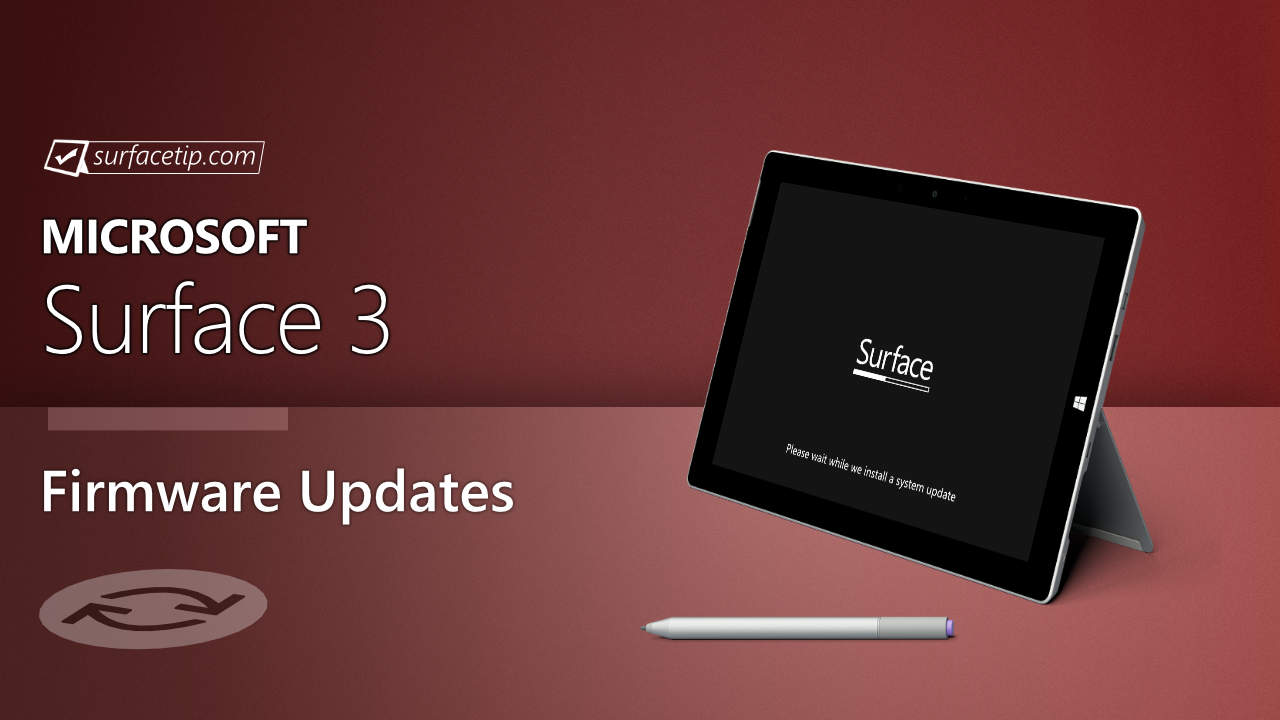
The new firmware update releases driver updates for Bluetooth and WiFi adapters to improve system security. The update is listed as a “May 16 release” on the Surface 3 Update History page.
Changelog for May 16, 2019 Updates
Below is the complete changelog provided by Microsoft for the new updates. It includes the name and version listed in the Windows Updates and the name listed in Device Manager.
| Windows Update History Name | Device Manager Name |
|---|---|
| Marvell Semiconductor, Inc. – Bluetooth – 15.68.9127.58 | Marvell AVASTAR Bluetooth Radio Adapter – Bluetooth 15.68.9127.58 improves system security. |
| Marvell Semiconductor, Inc. – Net -15.68.9127.58 | Marvell AVASTAR Wireless-AC Network Controller – Network adapters 15.68.9127.58 improves system security. |
Getting the Updates via Windows Update
You can get this new Firmware Update via Windows Updates, as we detailed here:- On Windows 11, go to Start > Settings (Win + I) > Windows Update and click the "Check for updates" button.
- On Windows 10, go to Start > Settings > Update & security and click the "Check for updates" button.
Downloading the Updates from Microsoft
Alternatively, you can download the latest cumulative driver and firmware update for Surface 3 from Microsoft Download Center via the following links.
- Surface 3
- Surface 3 AT&T
- Surface 3 Verizon
- Surface 3 US Non-AT&T
- Surface 3 Y!mobile & Outside US
Surface 3 Update History
2019
 Release driver updates for Bluetooth and WiFi adapters to improve system security.
2018
2016
- Improve battery charging, the stability of the camera, pen settings, the on-screen keyboard in UEFI, and the proximity sensor for mobile broadband and Wi-Fi connections.View


COMMENTS
Let us know what you think!
We appreciate hearing your thoughts, questions, and ideas about “Surface 3 May 2019 update is now live”.